Need to offer customers direct access to popular routes or journeys? Build a custom link that pre-populates the Cab Grid Pro price calculator…
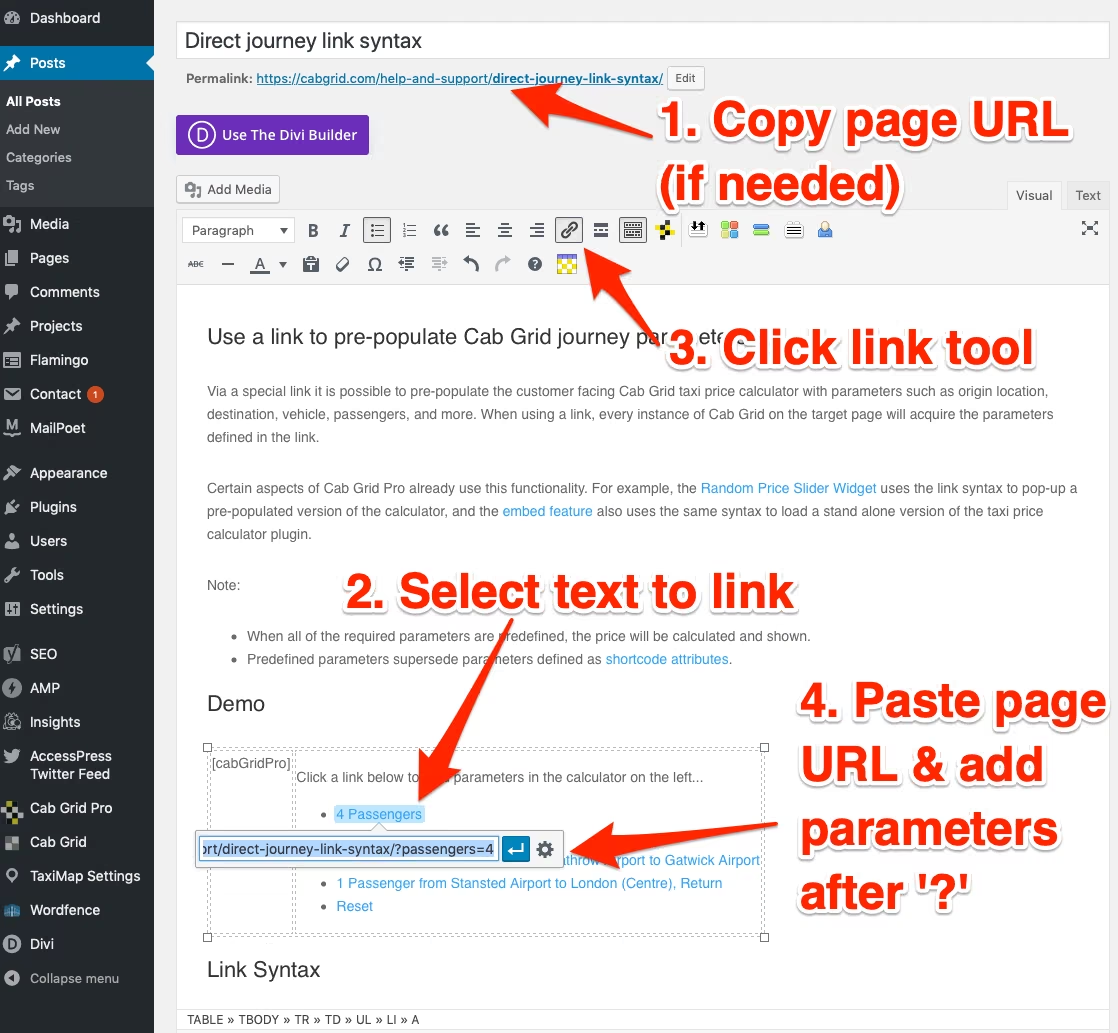

Need to offer customers direct access to popular routes or journeys? Build a custom link that pre-populates the Cab Grid Pro price calculator…
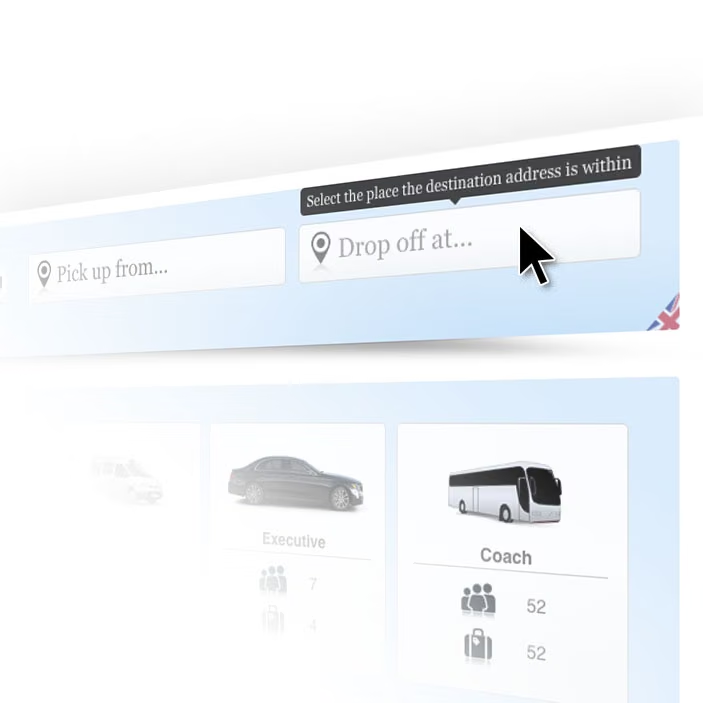
Tool-tips can be enabled to provide customers with further assistance when calculating a journey price and completing the booking form…

Personalise the Cab Grid experience for registered users by pre-populating their primary address and offering a discount unique to them….

Cab Grid Pro version 5 allows a dedicated discount formula to be defined for individual users logged in to your website. When a logged-in user calculates a journey fare price, their dedicated discount is automatically applied.
Discount formulas are defined in the user’s profile page. This article describes how to set up dedicated user discounts.

Cab Grid Pro version 5.1 introduces the ability to offer a “Join our mailing list” checkbox on the taxi booking form. When checked, a customer’s name and email are added to the designated list.
MailPoet is a free WordPress plugin that provides mailing list management and scheduling from within the WordPress admin.
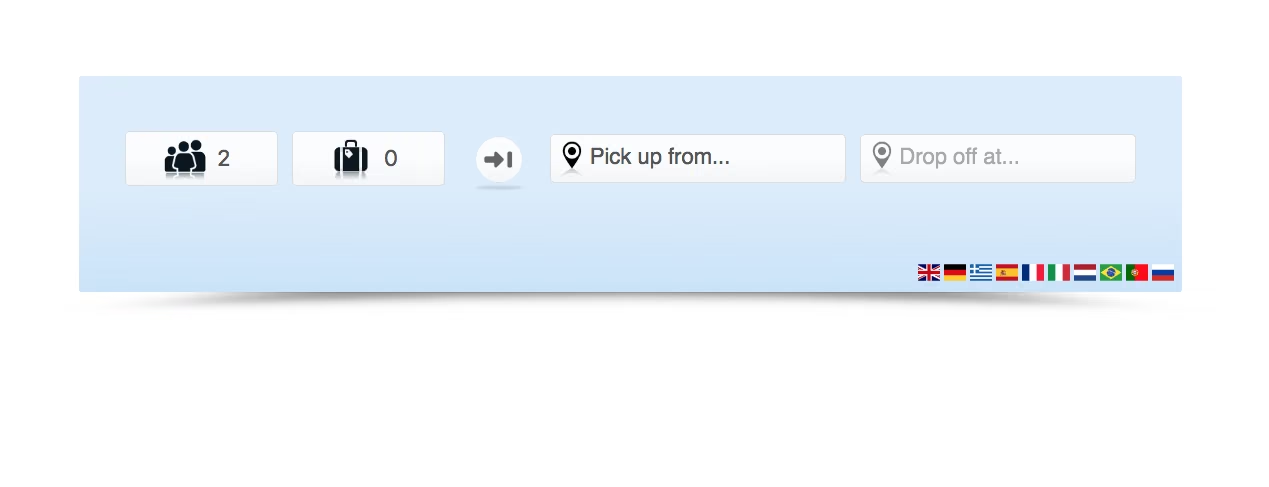
The new version of Cab Grid Pro automatically applies a drop shadow to the taxi price calculator box. This can be disabled by adding a simple line of CSS code to the STYLING CSS box under the OPTIONS tab on the Cab Grid Pro WordPress admin page: .cabGridPro:after {display:none;}
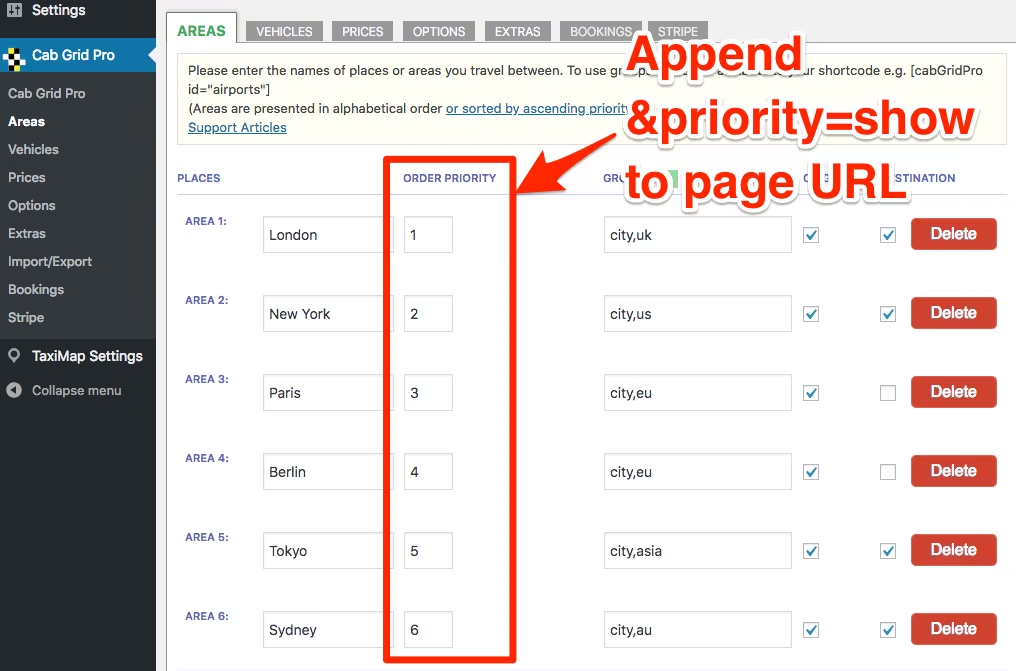
When Cab Grid’s own logic does not meet requirements a special (hidden) feature allows the order of places in origin or destination drop-down lists, and the priority of vehicles to be defined.
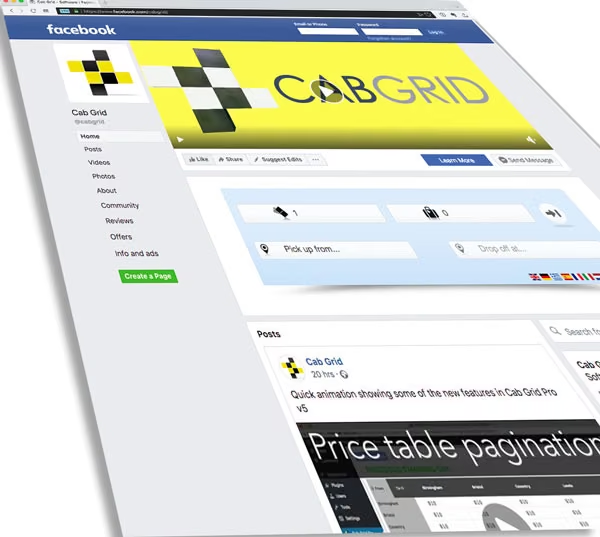
Cab Grid Pro v5 provides a template that allows the taxi price calculator or taxi price table to be embedded in another website or application such as Facebook. This article describes the steps to generate the Cab Grid Pro embed page.
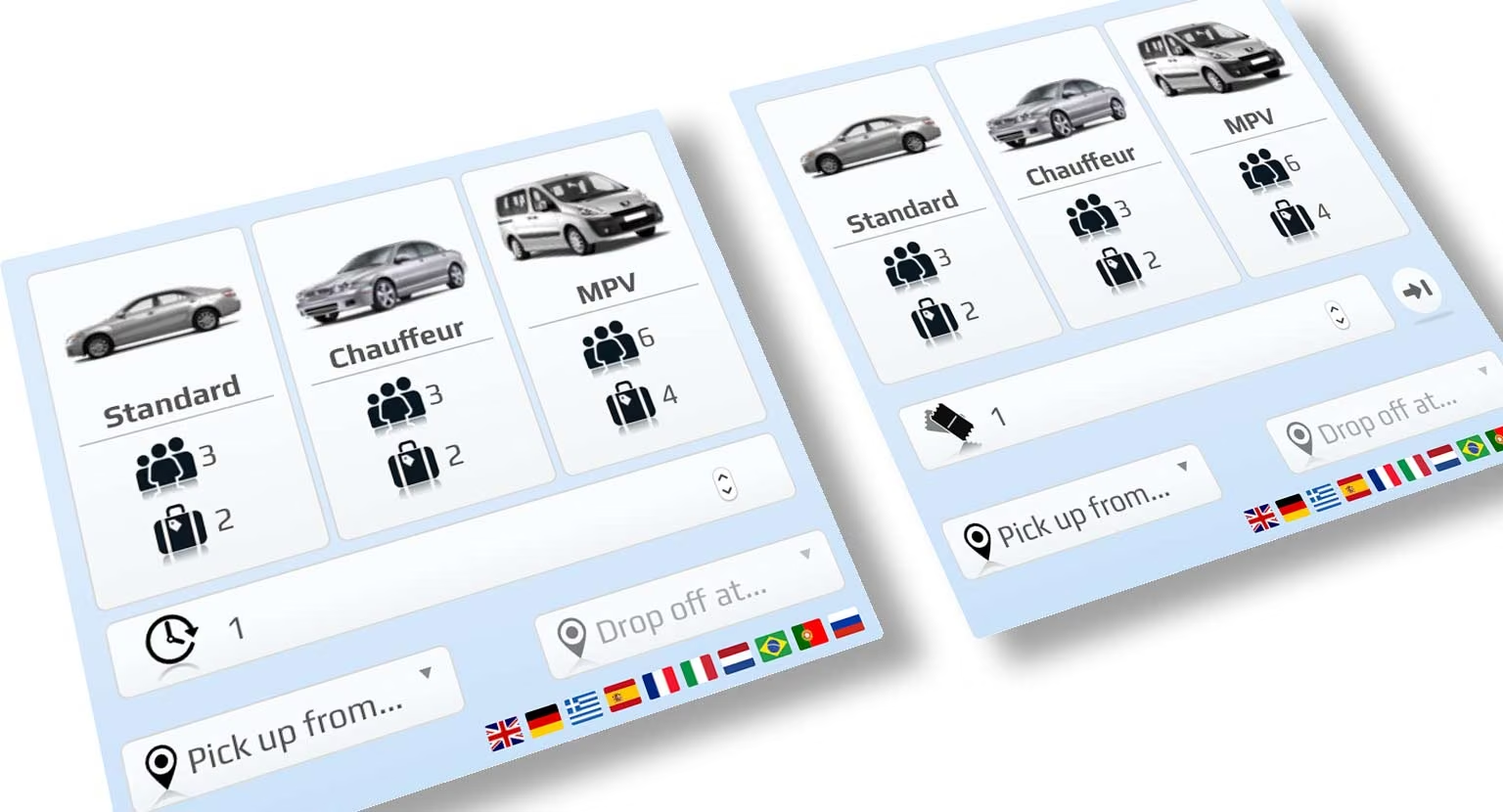
Cab Grid Pro 5 introduces the ability to combine calculation modes. This is useful where the choice of vehicle should be offered (rather than determined by the system).
Modes are combined by adding comma-separated values to the layout attribute of the Cab Grid Pro shortcode as follows. At this time, the only possible combinations are Vehicle and Time layout, and Vehicle and Ticket layout.