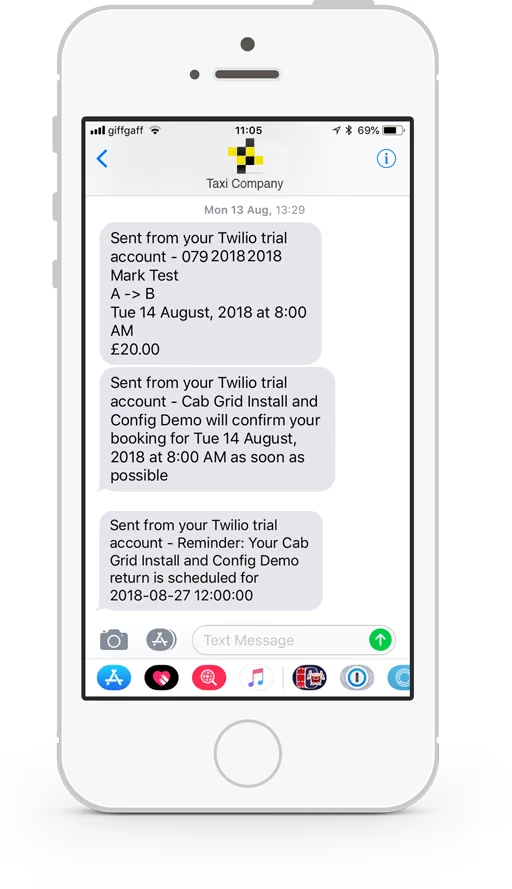
How to configure a dedicated Cab Grid Pro email address distinct from the main WordPress Admin email address. Useful for auto-responders or dedicated booking processing.


How to configure a dedicated Cab Grid Pro email address distinct from the main WordPress Admin email address. Useful for auto-responders or dedicated booking processing.

This article provides guidance for setting up our WSPay add-on plugin. WSPay is a payment gateway (like Paypal or Stripe) that processes payments for businesses in Croatia, Slovenia, Bosnia and Herzegovina, and Montenegro.

Download the free Defaults add-on plugin for WordPress to configure advanced Cab Grid Pro taxi price calculator settings independently of the main plugin. Update button and form field labels, set min & max passenger or time periods, set price decimals & formatting, and more…
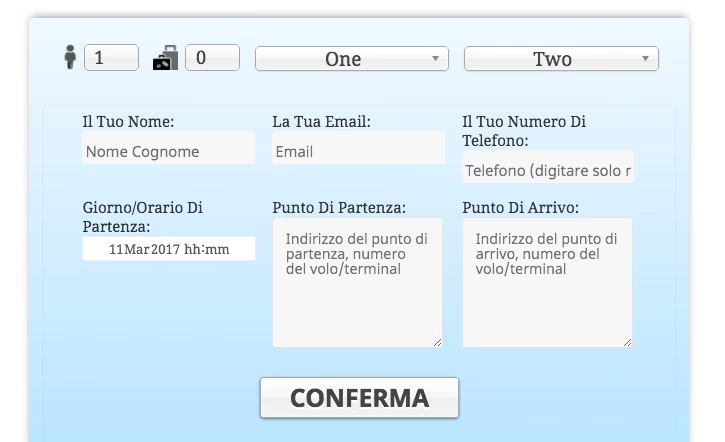
Visitors can choose the language for the Cab Grid fare price calculator independently of the language set by WordPress using flag icons shown on the visitor portion of the plugin.
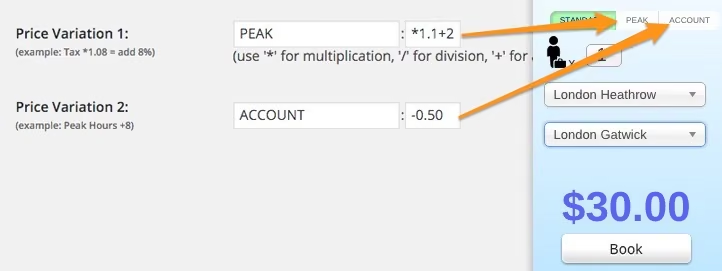
In Cab Grid Pro a visitor has the option to select different price variants for a journey using buttons displayed at the top right of the Cab Grid price calculator. (For information on configuring these price variations please see this article.) These buttons can be...
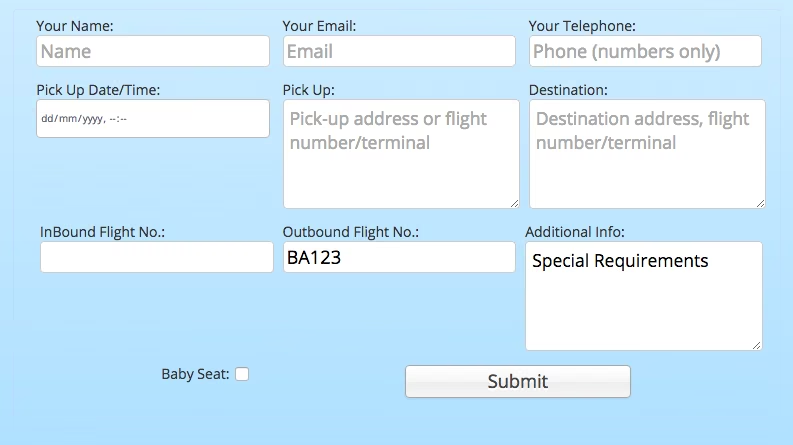
Cab Grid Pro provides an online booking form that is displayed (optionally) after a price is calculated. This form contains a set of standard fields, but custom fields can be added to augment and personalise the booking form. Values entered in these form fields are included with the booking notification email.
How to configure price variations in the Cab Grid Pro taxi price calculator plugin for WordPress. Add up to two separate price calculations applied to your main price at the click of a button.