Problem: when trying to summit a booking, the message “Mandatory information missing or invalid. Invalid fields have been highlighted.” always appears, even when all required fields are completed.


Problem: when trying to summit a booking, the message “Mandatory information missing or invalid. Invalid fields have been highlighted.” always appears, even when all required fields are completed.
The CabGrid Stripe Integration add-on adds Stripe payment processing to the CabGrid price calculator and booking plugin. If not properly configured the Stripe add-on may not function as expected. Here are some things to check if the Stripe payment option is not offered at the end of the booking process…
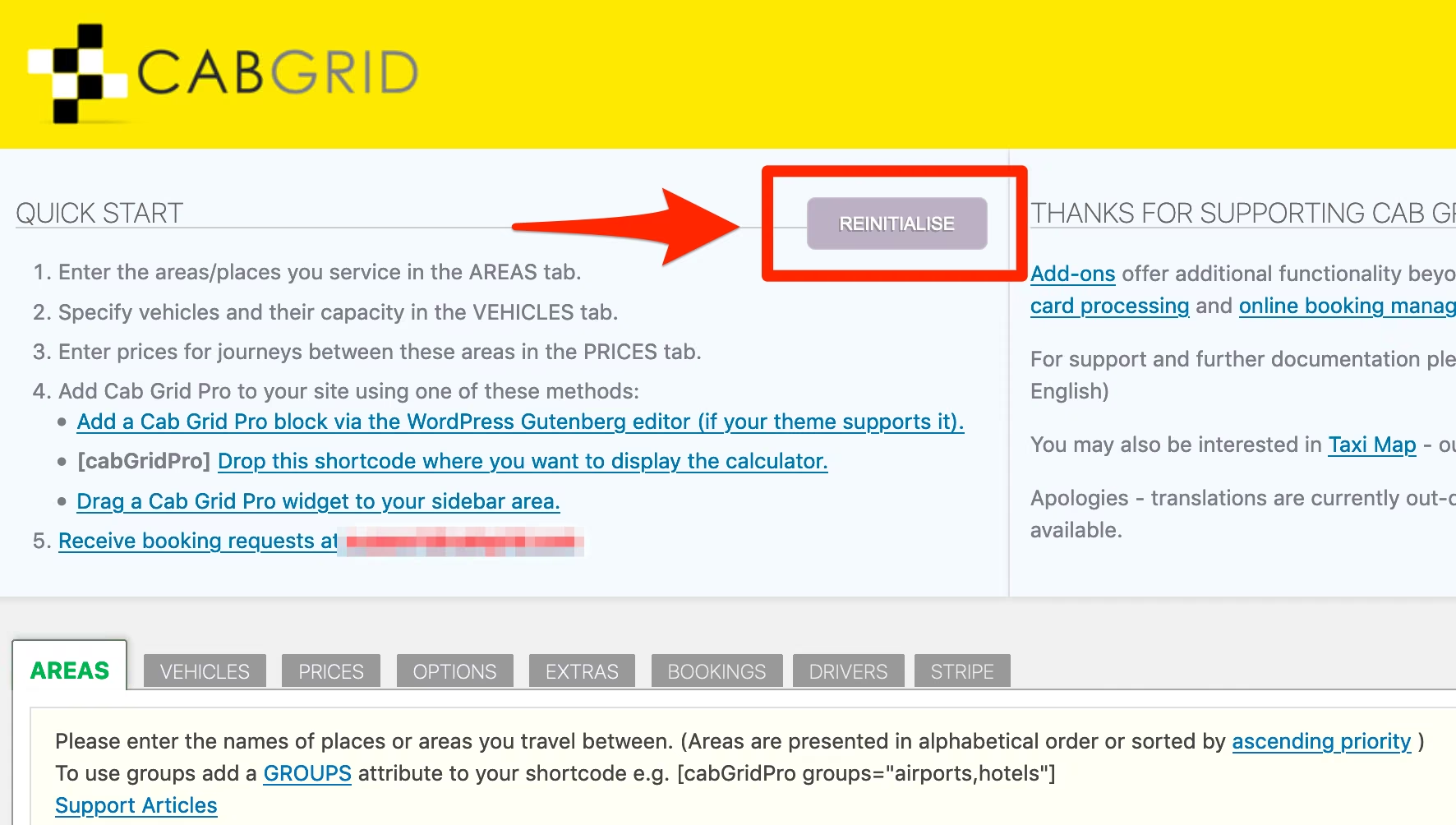
In certain circumstances the CabGrid Pro can fail to load required files after an update. This can result in the taxi calculator losing its layout and styling. This article provides details on how to reset and re-initialise CabGrid Pro.
CabGrid Pro v5.6 and above is transitioning away from the URL rewrite technique previously in use. In general, for versions higher than this, it is recommended to turn friendly URLs off. Cab Grid Pro v5 makes use of URL rewrite functionality to present more...

In some circumstances, email messages sent from CabGrid (WordPress) can not get through. There are a number of reasons for this. This article attempts to address some common email deliverability issues.
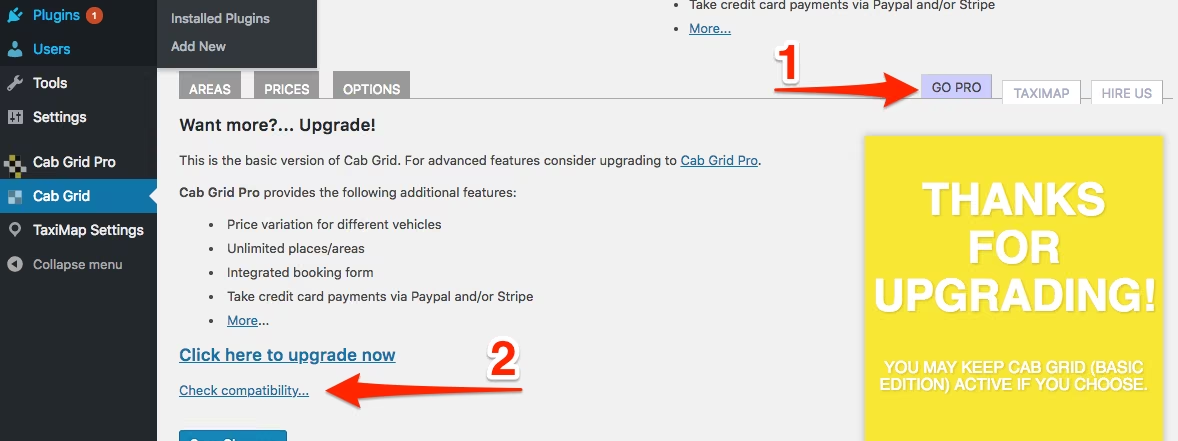
Cab Grid has a built in compatibility test. This test can show incompatibility between the hosting environment and Cab Grid Pro. It accessible from the BASIC edition of Cab Grid and from Cab Grid Pro v4 or higher.

Common CabGrid CSS styling problems and how to use a web browser Inspector to troubleshoot layout or appearance issues. e.g. Button text not visible or elements overlapping.